

Soccer scouting app: what the one you choose must have
By Mariano David Pérez Co-founder
A soccer scouting app has to do three things: let you file the report from the ground, keep it on the player’s profile together with everything that came before, and give it context with data. If the first fails, reports get filed on Monday or not at all; if the second fails, what you saw is lost in a chat; if the third fails, the report says “good” and nobody knows compared with what. This guide is the list of what to demand from any app, how to test one before paying and the mistakes people repeat when choosing.
What is a soccer scouting app for?
Not for watching matches, and not for replacing the scout’s eye. It is for making sure what the scout saw reaches the person who decides, complete, today and a year from now. Video and data platforms show you players; the scouting app is where what you thought of each one, and why, gets written down. The three families of tools, and what gets lost between a notebook, WhatsApp and a spreadsheet, are covered in how software improves a scout’s day-to-day work. The English FA’s free Introduction to Talent Identification course describes the job as building a rounded view of a player’s potential at any age; that view is built from many matches, and the app is where they accumulate.
The talent identification guide from FIFA’s Talent Development Scheme puts it in the same terms: a well-defined system brings consistency, clarity and efficiency to the process, and data management should make decisions objective and aligned with the organization’s objectives (checked in October 2026). An app is the cheapest way to have that system without building it from scratch.
What must a scouting app have?
Ten points. The first four show up at the stadium; the other six show up six months later.
| # | What to ask for | Why |
|---|---|---|
| 1 | Usable on a phone, in the stand | If the report only gets filed on a computer, Saturday’s notes arrive cold on Monday, or never |
| 2 | One report per game with attributes by position | You do not look at the same things in a centre-back and a winger; a one-size form ends up full of “good” and “average” |
| 3 | The game already loaded | If the scout has to type the opponent, date and league by hand, every report is born with errors and cannot be compared |
| 4 | Adding a player who was not there | The one who surprised you on the next field has to go in on the spot, not on a to-do list |
| 5 | Everything attached to the player | Every report, note and figure on the profile, by date; if you need five files to know how someone is doing, it does not work |
| 6 | Shortlists and tracking | Lists by criteria (position, age, league) and a written record of what to do with each player, who last saw him and when |
| 7 | Match assignment and permissions by role | In a team, the coordinator assigns, the scout sees their own work and nobody sees what is not theirs |
| 8 | Context data | A number on its own says nothing; compared against players in the same position, it does |
| 9 | A way to reach the decision-maker | Send the profile as a PDF or a link, without forcing the other person to create an account |
| 10 | Import and export | Bring in what you already have and take everything with you the day you leave |
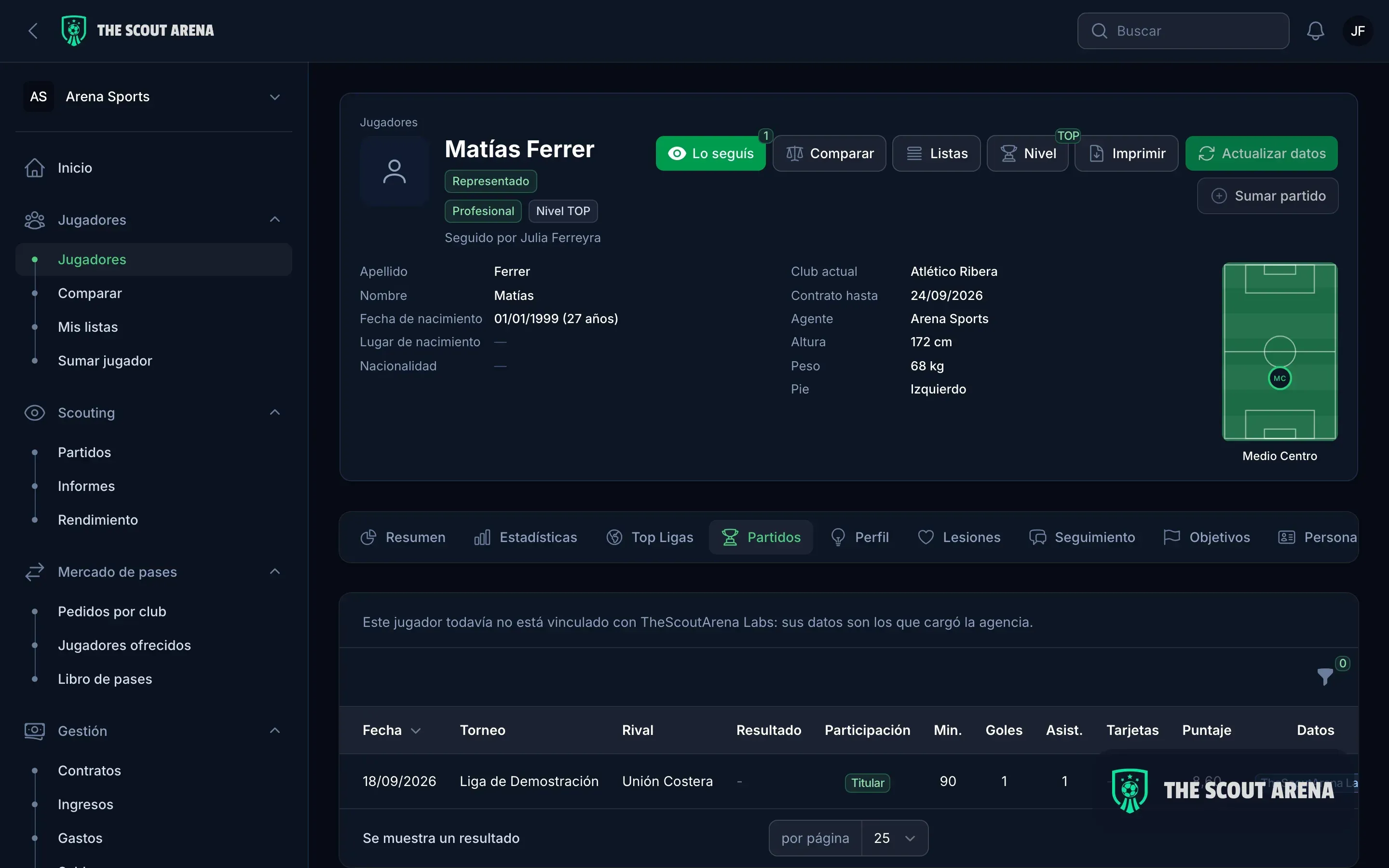
Point 2 is the most underrated. The English FA’s national talent identification course teaches match reporting as one of the key principles of scouting, alongside analyzing performance against potential. If the app does not let the form say what to look at in each position, that criterion stays in each scout’s head, and everyone writes differently. How to build a good report is in our guide to the soccer scouting report.
How do you test a scouting app before paying for it?
A demo shows screens; a trial shows whether the app survives a Saturday. This is what to do with any product, on a free trial or in the demo, before deciding:
- File a real report from your phone, at a real match. Time it. If it takes longer than a long WhatsApp message, it will not get used at the stadium.
- Search for a player who is not there. It must be possible to add him on the spot, with the minimum, and complete him later.
- Open the profile of a player with three reports. Are they in order, with date, opponent and rating, without leaving the screen?
- Send the profile to someone without an account. As a PDF or a link. If they have to register to read it, they will not read it.
- Ask for the export. A spreadsheet with your reports and your players, before loading anything that matters. If there is none, or it is hard to get, you already know how this ends.
- Test the permissions. Log in as a scout and see what you can see. If a scout sees contracts or finances, the app was not designed for teams.
Mistakes people repeat when choosing a scouting app
- Choosing by the amount of data. More statistics without a place to keep what you saw is just another open tab.
- Confusing a video app with a scouting app. One shows you the game; the other keeps what you thought of it. You need both, and they are different.
- A generic form, the same for a goalkeeper and a striker.
- Migrating twenty spreadsheets without checking. Duplicate names break the history from day one.
- Staying on the spreadsheet “until there is time”. Every month that passes there are more reports to migrate.
What happens to players’ data in a scouting app?
A scouting report contains personal data: name, date of birth, club, sometimes injuries and a written opinion about a person. And very often that person is a minor. The app you choose has to treat that data as what it is.
Within the European Union the General Data Protection Regulation applies, and the principles summarised by the European Commission work as a checklist in any country: collect data for a specific purpose, only what is necessary for that purpose, keep it no longer than needed, keep it accurate and protect it against unauthorised access or loss. Concrete questions to ask any provider:
- Where is the data stored and who else can see it? One agency’s or club’s data must never mix with another’s.
- Who sees what inside my team? A scout has no reason to see the finances; an outside collaborator, even less.
- Can I delete a player, with everything attached, when I stop following him?
- Can I export and take everything with me?
With minors, the care is doubled. It is no accident that the English FA’s professional scouting course requires its own safeguarding children course before you can enrol. What FIFA allows when representing a minor is in soccer agents and minors.
How The Scout Arena handles it
The Scout Arena is the software we built for this work, and it answers the list above like this:
- From the ground, on a phone or over WhatsApp. The game report is filed from the game or from the player: how he took part, minutes, goals and cards, the attributes for his position rated, an overall rating and the name of whoever wrote it. And if you finish the game and tell it in a chat, the assistant finds the player, finds the game and files the report, always asking for confirmation before saving.
- The game is already there. Fixtures flow into the catalog on their own, and the coordinator shares matches out across the team with alerts. A player who was not there is added on the spot, and if he is in the catalog he is linked to it.
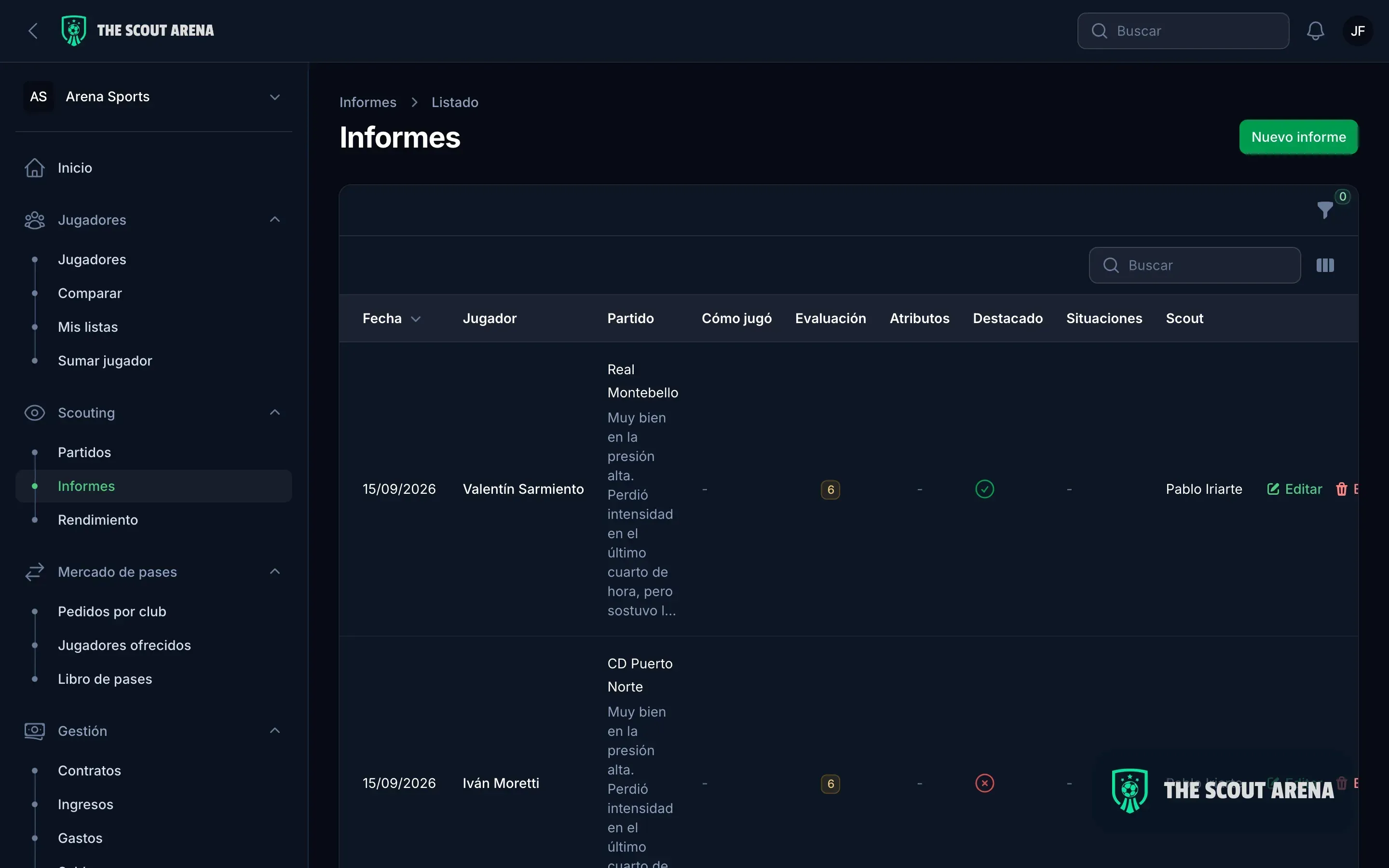
- Everything on the profile. Every report sits on the player profile, with date, opponent and rating, next to his statistics by season, his threaded tracking notes, his goals and his lists.
- Context. Every player is compared with the average for his position in the world’s top six leagues, and if you work with Wyscout, your export lands in the same place.
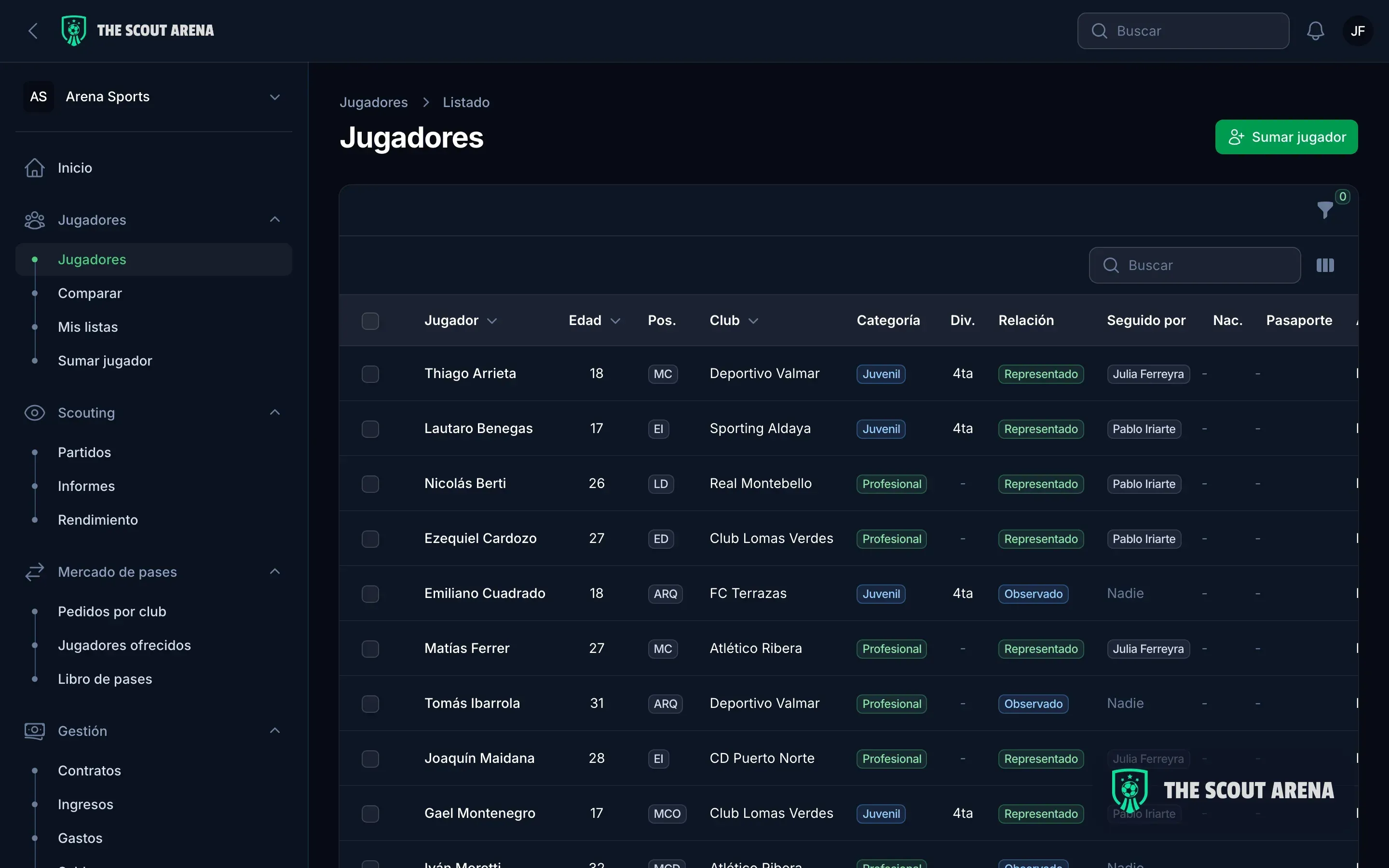
- Roles. Director, coordinator, scout and administration: the scout sees their games and their players, and not the finances, neither in the platform nor in the chat.
- Output and data. The profile goes out as a PDF or a public link, with your logo, choosing which sections to include. Import from spreadsheets and Wyscout with a differences report before confirming, export to Excel and PDF whenever you ask, and each organization’s data isolated from the rest.
What a week of scouting looks like inside the platform is on our page for soccer scouts; if you are looking from a club, see our page for soccer clubs. Plans are on the pricing page, and you can book a demo to run the six steps above with your own players.
In short
A soccer scouting app does not watch games: it makes sure what you saw reaches the person who decides, complete. Ask for use on a phone at the stadium, position-based reports, the game already loaded, everything on the player’s profile, shortlists, roles, context, a simple way out and the export. Test it with a real report before paying, and ask where the players’ data lives, especially the minors’. If a spreadsheet gives you all that, keep the spreadsheet; if not, what gets lost only shows when it is missing.
Updated October 2026.
Sources
Checked in October 2026:
- FIFA Training Centre, Talent Development Scheme: Talent Identification Guide, module 3 (identification).
- The FA, England Soccer Learning: National Talent Identification & Scouting in Soccer.
- The FA, England Soccer Learning: Introduction to Talent Identification.
- European Commission: principles of the General Data Protection Regulation.