

How to compare soccer scouting tools before paying for one
By Mariano David Pérez Co-founder
To compare soccer scouting tools before paying for one you need a single scoring sheet for every candidate, with the criteria decided before you watch the first demo and a weight on each according to who will use it. Then two or three products get the same trial, with the same match and the same scout; you score what you saw, not what the salesperson promised; and you add up the total cost over two years, including the way out. This article is that sheet: the criteria, how to score them, how to compare the cost and what to ask about the contract.
Why does comparing feature lists not work?
Because every vendor writes their own list, and no two write it the same way. One product says “unlimited reports”, another “collaborative scouting”, a third “a database of 500,000 players”, and the three claims cannot be compared with each other or with what you do every Saturday. Comparing features ends in a table of ticks where the product with the most boxes wins, even if none of those boxes was the one you were missing.
The talent identification guide from FIFA’s Talent Development Scheme puts it the other way round: first your own system, then the tool. A well-defined system brings consistency, clarity and efficiency to the process, and data management should facilitate informed decision-making; among the questions it proposes are what data is tracked and where it is stored (module 3, checked in October 2026). Those questions, answered for your organization, are the rows of the sheet. What usually fails is not a feature: it is that a product was chosen before anyone wrote down what it had to solve.
What kinds of tool exist and what each family does is covered in how to choose soccer scouting software; this article starts where that one ends, when you already have two or three candidates and have to decide between them.
Which criteria go on the comparison sheet?
Ten criteria, grouped by what happens at the stadium, what happens in the office and what happens the day you leave. Each is scored from 0 to 2: 0 if the product does not do it, 1 if it does it with effort, 2 if it does it without you thinking about it. And each carries a weight, because a scout working alone and a club with ten scouts do not need the same things.
| # | Criterion | What you look at | Solo scout | Agency | Club |
|---|---|---|---|---|---|
| 1 | Filing from the stand | A real report, on a phone, timed | 3 | 2 | 3 |
| 2 | Report by position | The form changes between goalkeeper, centre-back and winger | 2 | 2 | 3 |
| 3 | Match already loaded | Date, opponent and league come from the schedule list; nobody types them | 2 | 2 | 3 |
| 4 | Everything on the profile | Reports, notes, data and files for the player, in order, on one screen | 3 | 3 | 3 |
| 5 | Shortlists and follow-up | Lists by criteria, an owner, the last update and the next step | 2 | 3 | 2 |
| 6 | Roles and assignment | Who sees what; the coordinator assigns matches and people get notified | 0 | 2 | 3 |
| 7 | Context data | Which leagues are included, what each number is compared against and where it comes from | 2 | 3 | 2 |
| 8 | Output for the decision-maker | The profile as a PDF or a link, with no account required to read it | 3 | 3 | 2 |
| 9 | Way in and way out | Imports what you already have; exports everything in a format any program opens | 2 | 3 | 3 |
| 10 | Contract and data | Where the data is stored, who else sees it, what happens when you leave | 1 | 2 | 3 |
The weights are a suggestion: change them before you see the first product, not after, because afterwards they get adjusted so the one you liked wins. A product’s score is the sum of points times weight, and the sheet takes twenty minutes in any spreadsheet. The detail of what to demand on each row, with the traps in each one, is in what a soccer scouting app must have.

Row 7 deserves a note, because it is where the sales field inflates most. “Half a million players” means nothing if your work is in the third tier of a country that is not covered. What gets scored is whether the leagues you follow are included, what each number is compared against and whether the profile says which source each figure came from; a number without a source cannot be defended in front of a club. Which figures help an agent and which do not is in Wyscout data for agents.
How do you score each tool without fooling yourself?
With the same trial for all of them, run by the same person. A demo shows what the vendor chose to show; a trial shows what happens with your match and your scout. The protocol is short:
- Pick a match already played and three players from it, one of whom does not exist in any system. The same three for all three products.
- File a report on each one from a phone, with a stopwatch. The time goes on the sheet next to the score for row 1.
- Open the profile of the player who already had a history and count the clicks needed to see their earlier reports in order.
- Send the profile to someone without an account and ask whether they could open it.
- Request the full export that same day, not at the end of the trial. What cannot be exported during the trial will not be exportable later.
- Log in as a scout and note what they can see that they should not.
Whatever was not tested scores 0, however the brochure describes it. And the trial is run by the scout who likes technology least, not by the person who will sign: if they file the report before leaving the stadium, row 1 scores 2; if they leave it for Monday, it scores 0, and no demo changes that.
An example with three invented products, scored by an agency with the weights from the table above, shows why the weights matter more than the number of ticks:
| Criterion (agency weight) | Product A | Product B | Product C |
|---|---|---|---|
| Filing from the stand (2) | 2 | 1 | 2 |
| Report by position (2) | 2 | 2 | 1 |
| Match already loaded (2) | 0 | 2 | 2 |
| Everything on the profile (3) | 2 | 2 | 1 |
| Shortlists and follow-up (3) | 1 | 2 | 2 |
| Roles and assignment (2) | 2 | 2 | 0 |
| Context data (3) | 2 | 1 | 2 |
| Output for the decision-maker (3) | 2 | 2 | 1 |
| Way in and way out (3) | 0 | 2 | 2 |
| Contract and data (2) | 1 | 2 | 1 |
| Total | 35 | 45 | 36 |
Product A has the most features and the best demo, but it does not export and the opponent has to be typed into every report; product B does everything at a 1 or a 2 and wins by nine points. A close total, on the other hand, is not settled by the sheet: it is settled by the cost and by the way out, which come next.
How do you compare the total cost over two years?
The license is the only cost that appears on the pricing page, and in an agency or a club it is usually the smallest. To compare properly you fill in these six rows for each product, with the same number of users and reports per month, and add them up over two years:
| Cost | How it is worked out |
|---|---|
| License | Per user or per plan, over 24 months, with the people who will actually file; if it is charged per user, add the one who joins mid-season |
| Data bought separately | What you keep paying another platform because the product does not include the leagues you follow |
| Migration | The hours spent cleaning duplicates and loading the old records, at the hourly cost of whoever does it; if the vendor does it, what they charge |
| Training | The hours until each scout files on their own, times the number of scouts |
| Every Saturday’s report | Minutes per report in the trial, times reports per month, times 24 months: ten minutes’ difference at twenty reports a month is eighty hours over two years |
| Way out | What it costs to take everything with you: if the export is manual, incomplete or charged for, it goes here |
The actual figures change by country and by vendor, so there are no prices in this article: the right move is to request a quote with these six rows and compare the three products on the same sheet. What cannot be compared is a per-user price against a per-plan price without first counting how many people will file.
What should you ask about the contract and the data before paying?
Row 10 of the sheet is answered with the contract in hand, and three official references serve as a checklist in any country. In the European Union, the Data Act has applied since 12 September 2025 and, according to the European Commission’s explanation, requires providers of software as a service to export the customer’s data in a commonly used and machine-readable format, and removes switching charges entirely from 12 January 2027. If your vendor is in Europe, that is an obligation; if not, it is still the standard worth asking for.

The fourteen cloud security principles from the UK’s National Cyber Security Centre (NCSC) are the second reference, and two of them are asked word for word: that a malicious or compromised customer of the service should not be able to access or affect another customer’s data (separation between customers), and that your data and the assets storing it are protected against physical tampering, loss, damage or seizure, with cover for the legislation the data is subject to (asset protection and resilience). The third is the set of principles of the General Data Protection Regulation summarised by the European Commission, because a scouting report is personal data, often about a minor: a specific purpose, only the data needed for it, kept no longer than necessary, and technical and organisational measures to protect it.
The questions follow from those, and they go in writing and are answered in writing:
- Can I export players, reports, shortlists and files, complete and in an open format, at any time, free of charge?
- Is my organization’s data separated from everyone else’s, and who at the vendor can see it?
- In which country is it stored, and which legislation applies to it?
- Can I delete a player with everything attached, and is it really deleted?
- What happens to the contract and the data if the vendor closes or changes hands?
- What does each role in my team see, and can I change it myself?
A vendor who will not answer one of these in writing scores 0 on row 10, and with a club’s weighting that row alone is enough to overturn a close result.
What mistakes are made when comparing scouting tools?
- Comparing a demo against a trial. A product seen in a demo and one tested on a match are not comparable; either all three get tested, or none.
- Letting a different person test each product. Whoever tested it defends it; one person fills in the sheet, with the same trial.
- Adjusting the weights after seeing the products. They are set beforehand, and left alone.
- Scoring features you will not use. If your agency does not assign matches, row 6 weighs 0 and that is that; counting it inflates the wrong product.
- Choosing by the number of leagues or players without checking that the ones you follow are there.
- Comparing a per-user price with a per-plan price without first counting how many people file.
- Picking the one that won by a point without looking at the way out. Between two close totals, the one that lets you leave wins.
How The Scout Arena scores on this sheet
The Scout Arena is the software we built for this work, and it is worth saying how it answers each row, with what exists today:
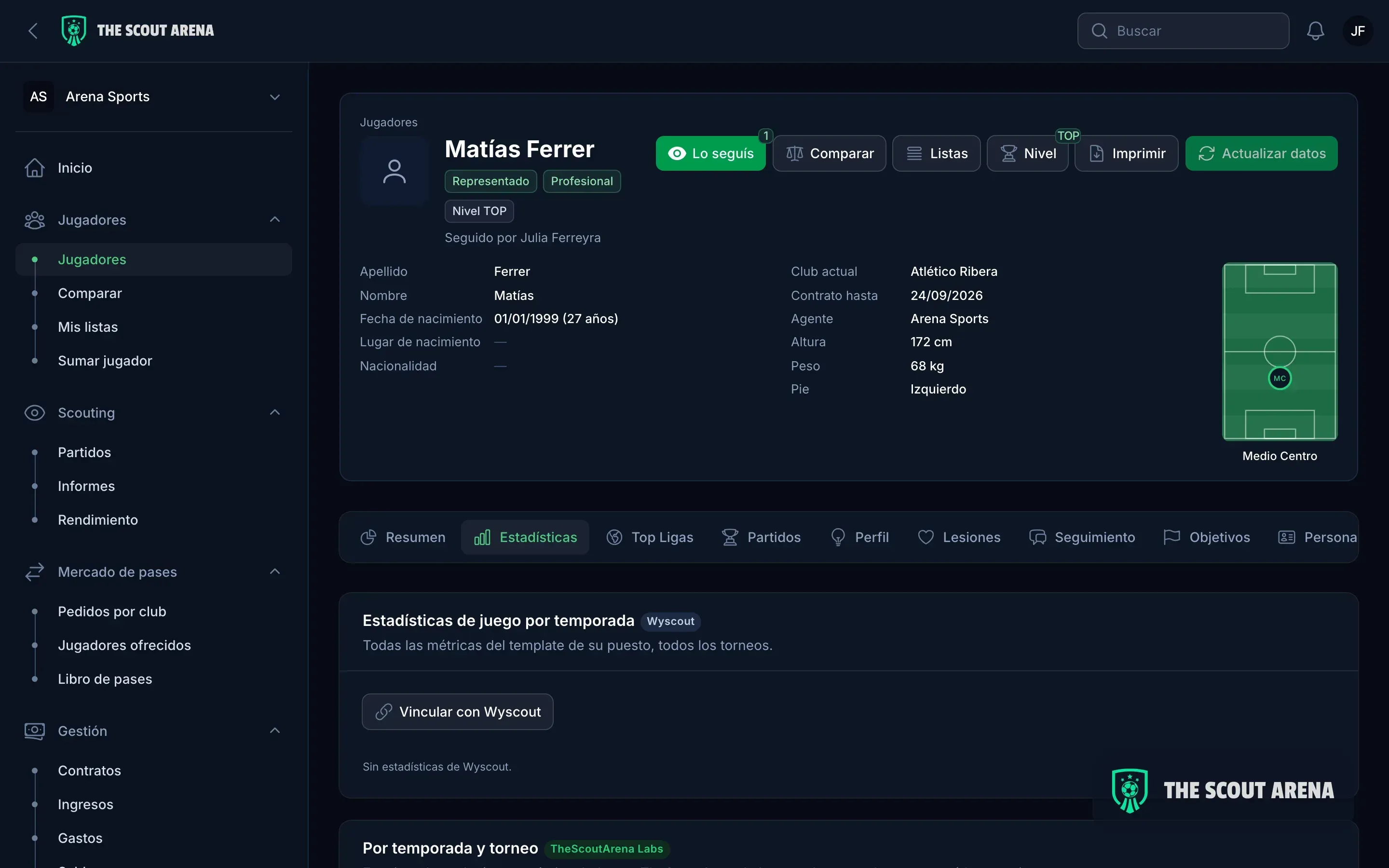
- At the stadium (rows 1 to 3). The report is filed from a phone or told to the WhatsApp assistant, which finds the player, finds the game and asks for confirmation before saving; the form scores the attributes for the position, and the game comes from the schedule list of the leagues you follow. How a scout works is on the page for scouts.
- Profile and team (rows 4 to 6). Everything hangs off the player’s profile; shortlists by criteria, follow-up threads and one owner per player; four roles with different permissions, and the coordinator assigns matches with a notification. For an agency, scouting also talks to contracts, commissions and club requests, as shown on the page for agencies; for a club, to the roster and the age groups, on the page for clubs.
- Data (row 7). Every player is compared with the average for their position in the six best leagues, every block on the profile says which source its figure came from, and if you work with Wyscout your export goes into the same place, matched by name, team and age. The detail is in integrations.
- Way out and way in (rows 8 and 9). The profile goes out as a PDF and as a link, with your logo; imports come from Excel and Wyscout with a report of differences before anything is taken as good, and exports go to Excel and PDF whenever you ask; everything the panel does sits behind an API with scoped tokens.
- Contract and data (row 10). Each organization’s data is isolated from the rest, and the questions in the previous section are answered in writing before signing.
Plans are on pricing, and the trial in the protocol is run through a demo and fourteen days free, no card required, with your own players.
In short
Comparing soccer scouting tools before paying means, in order: writing the sheet with the ten criteria and their weights before seeing the first product; giving two or three candidates the same trial, with the same match and the same scout, and scoring only what you saw; adding up the two-year total cost with the six rows, not just the license; and getting written answers on what happens to your data the day you leave. Between two close totals, the one that lets you leave wins.
Updated October 2026.
Sources
Checked in October 2026:
- FIFA Training Centre, Talent Development Scheme: Talent Identification Guide, module 3 (identification).
- European Commission: Data Act explained, on switching between data processing services and exporting data in a machine-readable format.
- National Cyber Security Centre (United Kingdom): The cloud security principles.
- European Commission: principles of the General Data Protection Regulation.