

Football club management app: what to check before choosing
By Mariano David Pérez Co-founder
Choosing a football club management app takes more than reading a feature list: you have to trial it with the real squad, with the people who will use it every day, and with three questions answered in writing: who sees what, where the academy players’ data is kept, and how you get it all out if the club ever leaves. Almost every app promises contracts, players and reports. What separates them only shows up when the technical staff upload the weekend’s reports from a phone on a Friday, or when the board asks for a figure nobody wants to build by hand.
This is the buying guide: who should be involved, how to run the trial, what to ask the vendor and which mistakes keep coming up. Why a club needs a system like this in the first place, and what it has to keep in order, is covered in why football clubs need management software. Updated November 2026.
Who at the club should choose the app?
The people who will use it, not only the person who signs the cheque. At a club that means at least four roles with different needs, and an app that satisfies only one of them is abandoned within three months:
| Who | What it has to solve for them | What they ask the app during the trial |
|---|---|---|
| Sporting director | Seeing the whole squad, its contracts and its cost to decide renewals and sales | Can I see on one screen which contracts expire this year and what each player costs? |
| Technical secretariat / football operations | Running the day to day: players, contracts, requests, matches to watch | How long does it take me to add a player and to find another one’s contract? |
| Administration | Expenses, balances and contracts, without access to sensitive sporting data | Can I log an expense per player and per age group without asking anyone? |
| Coaching staff, academy coordinators and scouts | Uploading reports from the touchline and following players | Can I file a report from my phone, at the match, in two minutes? |
If only the director takes part in the trial, the app with the nicest dashboard wins. If the academy coordinator takes part too, the winner is the one that works in a cold stand with a phone on 20% battery.
How do you trial a club management app before signing up?
With your own data and real tasks, not by watching a demo full of sample players. A demo with invented players helps you understand the tool; the decision comes after a week of real use. A trial plan that works:
- Load an entire age group, not three players: the reserve squad or one academy age group, with contracts and dates of birth. That shows whether the Excel import copes with your data as it actually is, misspelt names and empty columns included.
- Ask for the discrepancy report on that import. A good app shows what didn’t match before treating anything as correct; a poor one loads everything and the error surfaces months later.
- Have each role do its weekly task: administration logs a month of expenses, a coordinator files a weekend’s reports, the secretariat answers an agent’s offer.
- Ask for the three figures the board always wants (what the squad costs, how each age group performs and which contracts are expiring) and time how long each takes to come out, in Excel and in PDF.
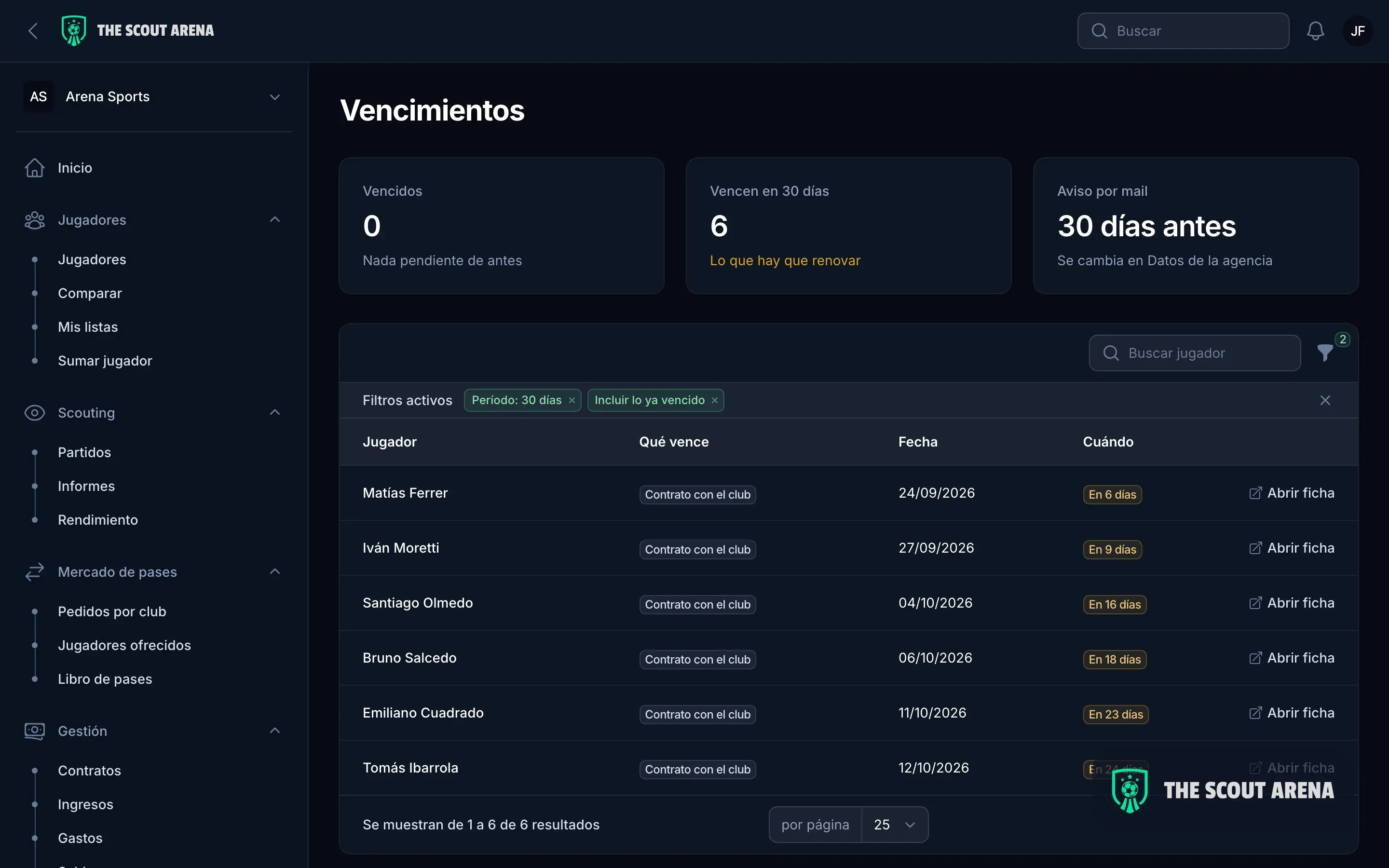
- Wait for the first expiry alert. Once a contract enters its last six months, the player is free to agree terms with another club (article 18, paragraph 3 of FIFA’s RSTP, July 2025 edition). If the app doesn’t flag that date in advance, to the right person, without anyone going to look for it, it isn’t doing the most important part of its job.
What should you ask the vendor about permissions and roles?
Ask what each role can see, and have it shown on screen with a user of that role, not described on a slide. The concrete test is: “let’s log in as a member of the coaching staff and look up a player’s wages.” If the figure appears, the permissions are decorative.
The other questions here:
- Do the roles come set up for a club, or do you have to invent them? Permissions that must be configured field by field end up as “everyone sees everything”.
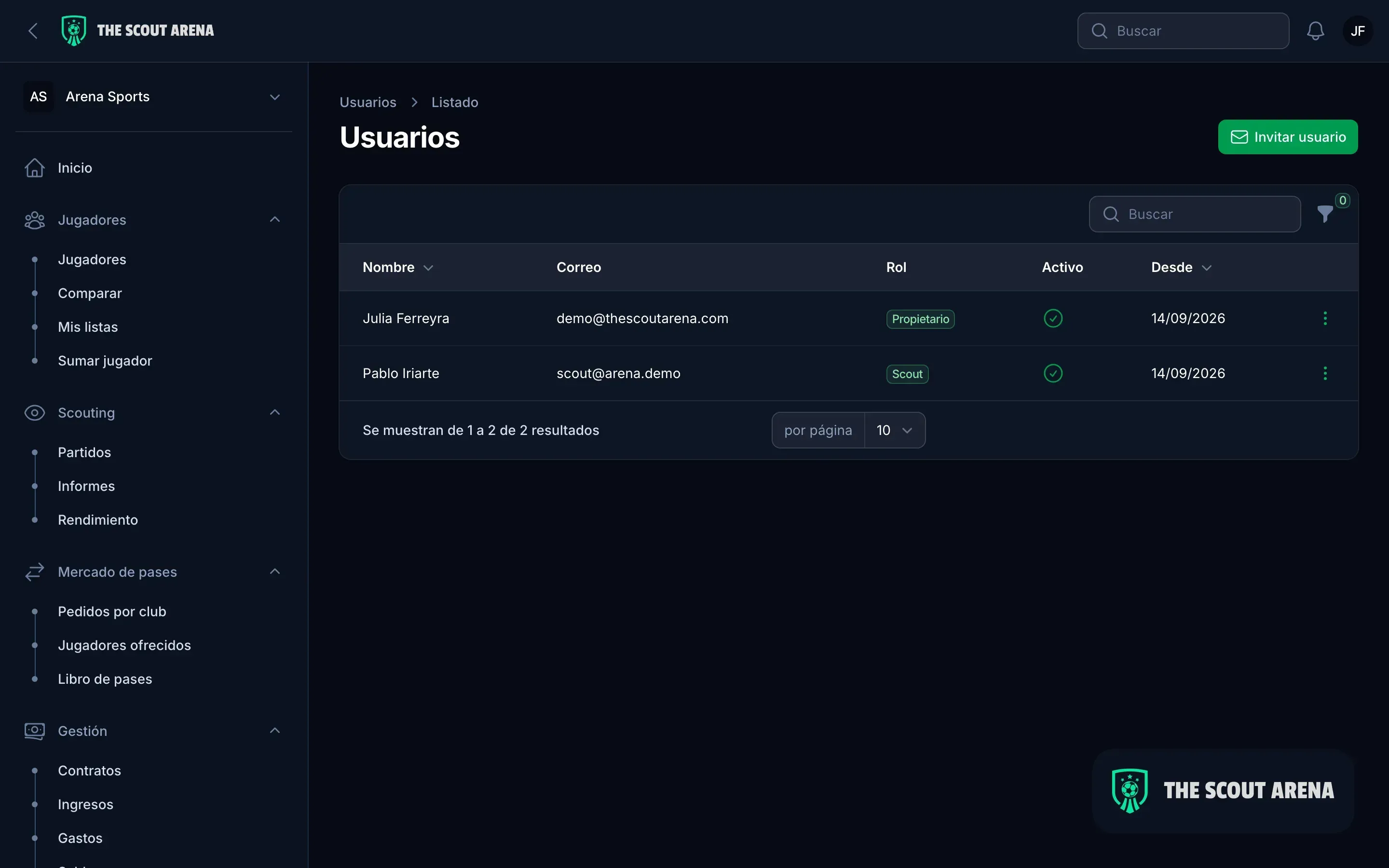
- What happens when someone leaves? Deactivating a scout should cut their access immediately and keep their reports on the player’s profile.
- Can you invite someone for a limited time (an external scout, a new fitness coach) without giving them access to the financials?
What should you ask about academy players’ data?
Ask where it is stored, who else can read it and what the vendor does with it, because a club holds personal data on minors and often medical data too. In data protection terms the club is the controller and the app is the processor acting on its behalf, and that has written consequences:
- In the European Union, the General Data Protection Regulation requires a contract with the processor that, among other things, obliges it to delete or return all the personal data when the service ends, at the club’s choice (Article 28(3)(g)). Data concerning health is a special category, with restricted processing (Article 9).
- In Spain, Organic Law 3/2018 sets 14 as the age from which a minor can consent to the processing of their data; below that, consent comes from whoever holds parental authority or guardianship (Article 7).
- In Argentina, Law 25,326 bars the service provider from using the data for any purpose other than the one contracted or passing it on, and requires it to destroy the data when the service ends unless the club authorises it to keep them (Article 25).
As questions for the meeting: is the club’s data isolated from other organisations using the same app? Who at the vendor can see it, and when? Is there a data processing agreement to sign? What happens to the data the day the club cancels? A vague answer to any of the four is an answer.
This article is for information only and is not legal advice for any jurisdiction.
How does a club leave an app if it changes its mind?
By exporting everything, in a format another system can read, without having to ask permission. It is the question almost nobody asks when signing up and the one that matters most when leaving. Before you sign, ask to see the full export: players, contracts, expenses and reports, in Excel or an open format, not just a PDF per player.
The same goes for getting in: if the club already has ten years of spreadsheets, migration is part of the purchase, not an extra. Ask who does it, how long it takes and how you check that nothing was lost.
What mistakes do clubs make when choosing a management app?
The same five come up again and again:
- Choosing on the number of features. An app with forty modules nobody uses is worth less than one with ten that get used every day.
- Confusing it with the club’s other systems. The membership register, the formal accounts, registration with the national association and FIFA’s TMS, where transfers are recorded (Annexe 3 of the RSTP), are separate tools; a sporting management app doesn’t replace them and doesn’t need to.
- Only trialling it on a computer. A good share of a club’s work happens at the training ground and the stadium.
- Ignoring the per-user cost. A low price for three people may not be low for twelve; work it out with the real team, including each age group’s coordinator.
- Loading everything before deciding. One age group trialled properly tells you more than the whole club half-loaded.
How does The Scout Arena handle this for a club?
The Scout Arena is management and scouting software used by agencies, scouts and clubs; the page for clubs has the detail. Against the questions in this guide:
- Four roles set up for a club (sporting director, technical secretariat, administration, and coaching staff with scouts), with tested permissions: the coaching staff file reports and don’t see the financials.
- Excel import with a discrepancy report before you confirm, and export to Excel and PDF whenever you ask. The club’s data is isolated from every other organisation’s.
- Daily expiry alerts by email, with a traffic-light view by deadline.
- Expenses per player and per age group, and reports for the board.
- The same information on your phone, to file match reports from the touchline.
Plans depend on team size and are on the pricing page. The best way to answer the questions in this guide is with your own squad: you can book a demo and try it for fourteen days with your own data. If the club also signs or sells academy players, add training compensation to the trial: it is money that is lost when nobody keeps each player’s history.
Sources
- FIFA: Regulations on the Status and Transfer of Players, July 2025 edition (PDF)
- Regulation (EU) 2016/679, General Data Protection Regulation (EUR-Lex)
- Spain: Organic Law 3/2018 on Personal Data Protection and the Guarantee of Digital Rights (BOE, in Spanish)
- Argentina: Law 25,326 on Personal Data Protection (in Spanish)