

Football scouting software: a guide to choosing without regrets
By Mariano David Pérez Co-founder

Choosing football scouting software without regrets depends less on the feature list than on the method: knowing which kind of tool you are actually buying, who will use it every Saturday and for which decision, testing it on a real match and reading what the contract says about your data. This guide lays that decision out in five steps, puts a number on what it really costs and flags the mistakes that come up again and again, so that what you choose is still in use six months later instead of everything drifting back to the spreadsheet.
What kinds of football scouting software are there?
Three different things are sold under the same name, and the most expensive mistake is buying one believing it is another. The three families are described in how software improves a scout’s day-to-day work; what matters here is what each one solves and what it does not.
| Family | What it solves | What it does not do |
|---|---|---|
| Video platforms | Watching more matches than you can attend: full games, clips by player | They do not store what you thought of the player or organise the team’s work |
| Data platforms | Confirming or challenging what you saw with per-match and per-season numbers, compared against others | They do not store reports either; a number on its own does not say whether you keep following him |
| Scouting workflow management | Where reports, shortlists, follow-up and match assignments live; each player’s profile with everything inside | It does not replace the scout’s eye nor, on its own, the context data |
The first two are almost always contracted separately, and a club or an agency usually has one of them. The third is the one that gets put off, because the spreadsheet “already works”, and it is the only one that brings the other two together. This guide is about choosing the third, although the steps apply to any of them.
Who will use the software, and for which decision?
Before looking at any product, it is worth writing down on a single page which player you are looking for and which decision each report feeds. The talent identification guide from FIFA’s Talent Development Scheme starts there: philosophy is the foundation on which strategies are built and executed, and the organisation’s football philosophy shapes which players are evaluated and by which criteria (module 1, checked in October 2026). If that is not written down, the software will replace it with a generic form, and every scout will write differently.
The decision also changes depending on who is buying:
- A scout working alone needs to file quickly from the stand, keep their history in one place and be able to send a player to a club or an agent without fighting with a file.
- An agency also needs scouting to connect with the client list: which of the represented players deserves a look this week, which club requests are open and who to offer. What an agency has to put in order is covered in how to organise a football agency.
- A club or an academy needs several scouts filing with the same criteria, a coordinator assigning matches and a shortlist reaching a meeting with the person who decides. What else a club needs is in why football clubs need management software.
Module 4 of the same guide describes selection as a team effort: going from the long list to the shortlist with a multidisciplinary team and formal meetings with an agreed decision-making board. The software you choose has to feed that meeting: every report on a player, in order and with who saw him, on a single screen.

How do you choose scouting software in five steps?
- Write the problem in one sentence, not a list of features. “Saturday’s reports do not arrive until Monday and nobody knows who saw whom” is a problem; “we want an app with statistics” is not. That sentence is what you will use to rule products out.
- Define who files and who reads. The one who files is the scout, on a phone, in the cold, in a stand with no signal; the one who reads is the coordinator or the director. If the software is built for the second and is a burden for the first, no reports will go in. And if more than one person is involved, ask for roles: the scout files their own work and has no reason to see the finances.
- Shortlist two or three and run the same list past them. The list of what to demand from any product is in what a football scouting app must have: a report by position, the match already loaded, everything on the profile, shortlists, a PDF or link to send out, import and export. It is not repeated here; use it as a comparison sheet, one column per product.
- Test on a real match, with the scout who likes technology least. A demo shows screens; a trial shows whether the system survives a Saturday. If the most reluctant scout files the report before leaving the stadium, the product passed. If not, it does not matter what the brochure says.
- Decide on total cost and the way out. What it really costs and what happens to your data the day you leave are in the next two sections. A product that will not let you export everything is ruled out before you see the price.
The FIFA guide sums it up in one sentence: a well-defined scouting and reporting system brings consistency, clarity and efficiency to the process, and data management should make decisions objective and aligned with the organisation’s objectives (module 3). The five steps are there to check that the product you choose does that with your team, not with the team in the demo video.
What does scouting software really cost?
The licence is the visible part, and often not the largest. Before signing, put these five costs in a table, with what each provider answers:
| Cost | What to ask |
|---|---|
| Licence | Is it charged per user, per plan or per number of players? What happens when you add a scout mid-season, or when one leaves? Is there an annual minimum? |
| Data and video | Which leagues and which statistics are included, and which are contracted separately? If you already pay for a data platform, does your export go in, or does it have to be typed by hand? |
| Migration | Do they import your spreadsheets and old reports? Do they match players against a catalogue so nobody is duplicated? Who cleans up the repeated names, and how many hours does it take? |
| Training | How long does a scout take to file a first report without help? If a course is needed, that time is a cost too |
| Every Saturday’s report | The most hidden one: if filing a report takes fifteen minutes instead of five, with twenty scouts that is hours per weekend, paid all year long |
No prices here, because they change: the right move is to request a quote with these five rows filled in and compare products on the same table. What cannot be compared is a per-user price against a per-plan price without knowing how many people will actually be filing.
Who owns the data, and what happens when you leave?
A scouting report is personal data about a person, often a minor: name, date of birth, club, injuries and a written opinion. Within the European Union the General Data Protection Regulation applies, and the principles summarised by the European Commission work as a checklist in any country: process data for a specific purpose, collect only what is necessary, keep it no longer than needed, keep it accurate, protect it with technical and organisational measures, and be able to demonstrate all of that. The responsibility stays with your organisation, not with the provider, so the questions come before signing:
- Can I export everything, in a format any program opens, whenever I want? Players, reports, lists and files. Ask for it during the trial, not when you leave.
- Can I delete a player with everything attached when I stop following him, and is it really gone?
- Where is the data stored and who else can see it? One organisation’s data must not mix with another’s, and the provider has no reason to use it for anything you did not ask for.
- Who sees what inside my team? A scout has no reason to see contracts or commissions; an external collaborator, even less.
- What happens to the contract if the provider closes or changes hands? If there is no written answer, the answer is that your data stays where it was.
With minors the care is doubled, and what FIFA allows and forbids when representing one is in football agent for minors.
What mistakes do people make when choosing scouting software?
The feature mistakes (the generic form, choosing by the amount of data) are in the articles linked above. These are the decision mistakes, the ones that show up later:
- Buying for the person who decides, not the person who files. The director chooses in a desktop demo; the scout has to use it in a stand on a phone. If the scout did not test it, nothing will go in.
- Buying a data platform believing it stores reports. They are different families; the data one does not replace the workflow one, nor the other way round.
- Choosing on the demo rather than the trial. A ten-minute video does not show whether the system survives a Saturday with three matches.
- Not setting a cut-off date for the spreadsheet. If the new system lives alongside the Excel file “until there is time”, three months later there are two versions of the truth and neither is complete.
- No owner of the system. Someone has to check every Monday that the weekend’s reports went in and that new players are not duplicated. If there is no name, it does not happen.
- Buying a club system for an agency, or the other way round. A club needs age groups, squads and promotions; an agency needs scouting to talk to contracts, commissions and club requests. Some products do both, but it is worth asking rather than assuming.
Where The Scout Arena fits in this guide
The Scout Arena is the software we built for this work, and on the map above it sits in the third family, workflow management, with the context data inside:
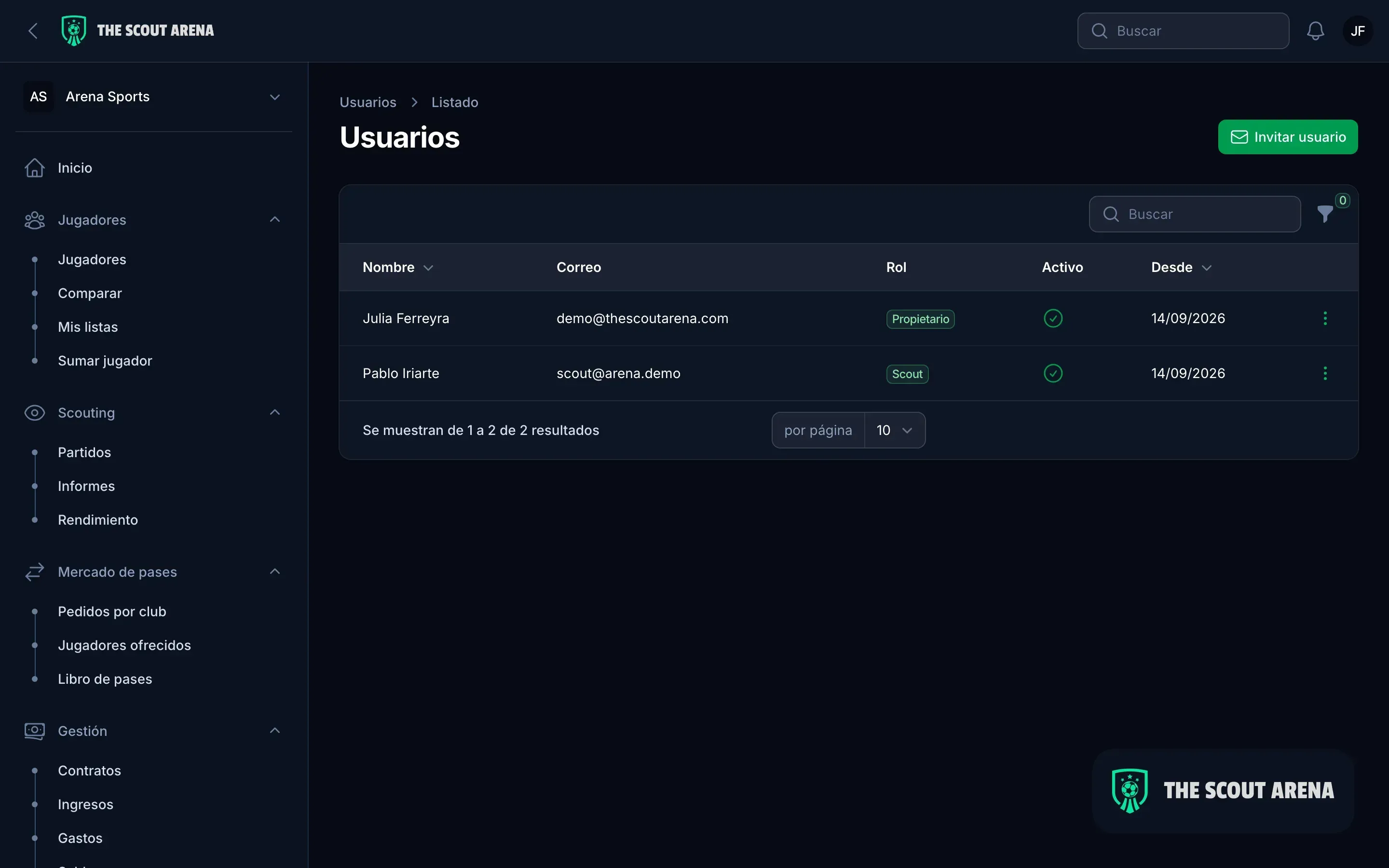
- One tool for the person who files and the person who reads. The scout files the report from the stand, on a phone or by telling the WhatsApp assistant, which finds the player, finds the match and asks for confirmation before saving; the coordinator sees it on the player’s profile, with all the previous ones, and assigns matches with notifications.
- For scouts, agencies and clubs, with roles. Four roles with different permissions: the scout sees their matches and their players, and does not see the finances. How each audience’s work looks is on the page for scouts, the one for agencies and the one for clubs.
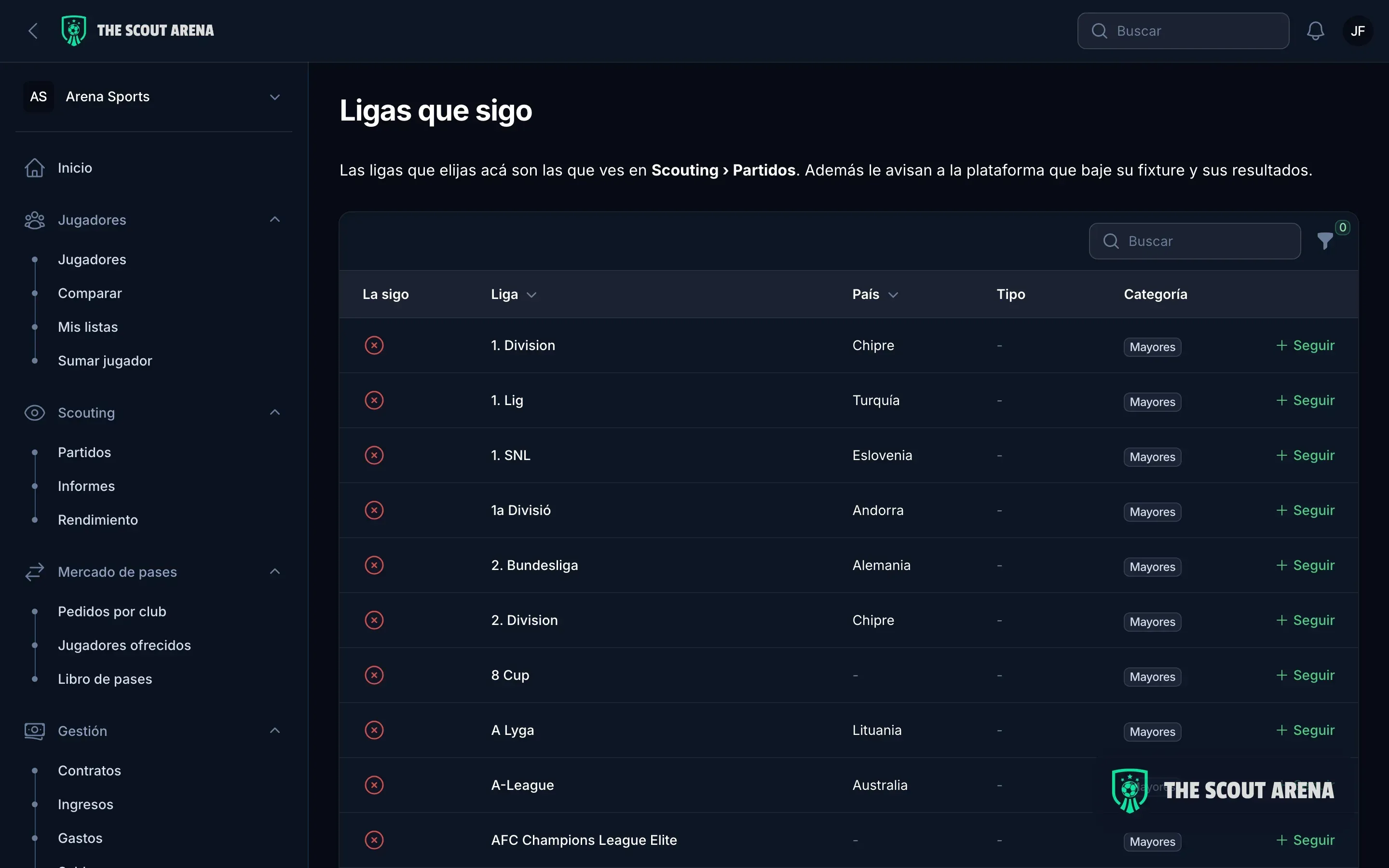
- Context data included. Every player is compared with the average for their position in the world’s six best leagues, the fixtures and results of the leagues you follow come in on their own, and if you work with Wyscout, your export goes into the same place, matched by name, team and age. The details are under integrations.
- Migration and the way out, settled before signing. Import from Excel and Wyscout with a report of differences before anything is taken as good; export to Excel and PDF whenever you ask; each organisation’s data isolated from the rest.
Plans are on pricing, and the step-4 trial is done with a demo and your own players.
In short
Choosing football scouting software without regrets means, in order: knowing which of the three families you are buying, writing down which player you are looking for and who will file every Saturday, running the same list past two or three products, testing on a real match with the most reluctant scout, and deciding with the total cost and the export in hand. What fails is almost never a feature: it is having chosen for the person who decides rather than the one who files, or having left the spreadsheet alive next to the new system.
Updated October 2026.
Sources
Checked in October 2026:
- FIFA Training Centre, Talent Development Scheme: Talent Identification Guide, module 1 (philosophy).
- FIFA Training Centre, Talent Development Scheme: Talent Identification Guide, module 3 (identification).
- FIFA Training Centre, Talent Development Scheme: Talent Identification Guide, module 4 (selection).
- European Commission: principles of the General Data Protection Regulation.